How can I upload the quarterly invoices to the portal if my customer has delivered them to me by other means (paper, USB, etc.)?

If your customer sends you the invoices by other means such as paper or e-mail, we recommend that you tell them to do it directly through their portal. However, if he does not do so, always you can upload the documentation to your portal yourself. We show you how to do it:
Step 1
Put yourself in your customer's profile.
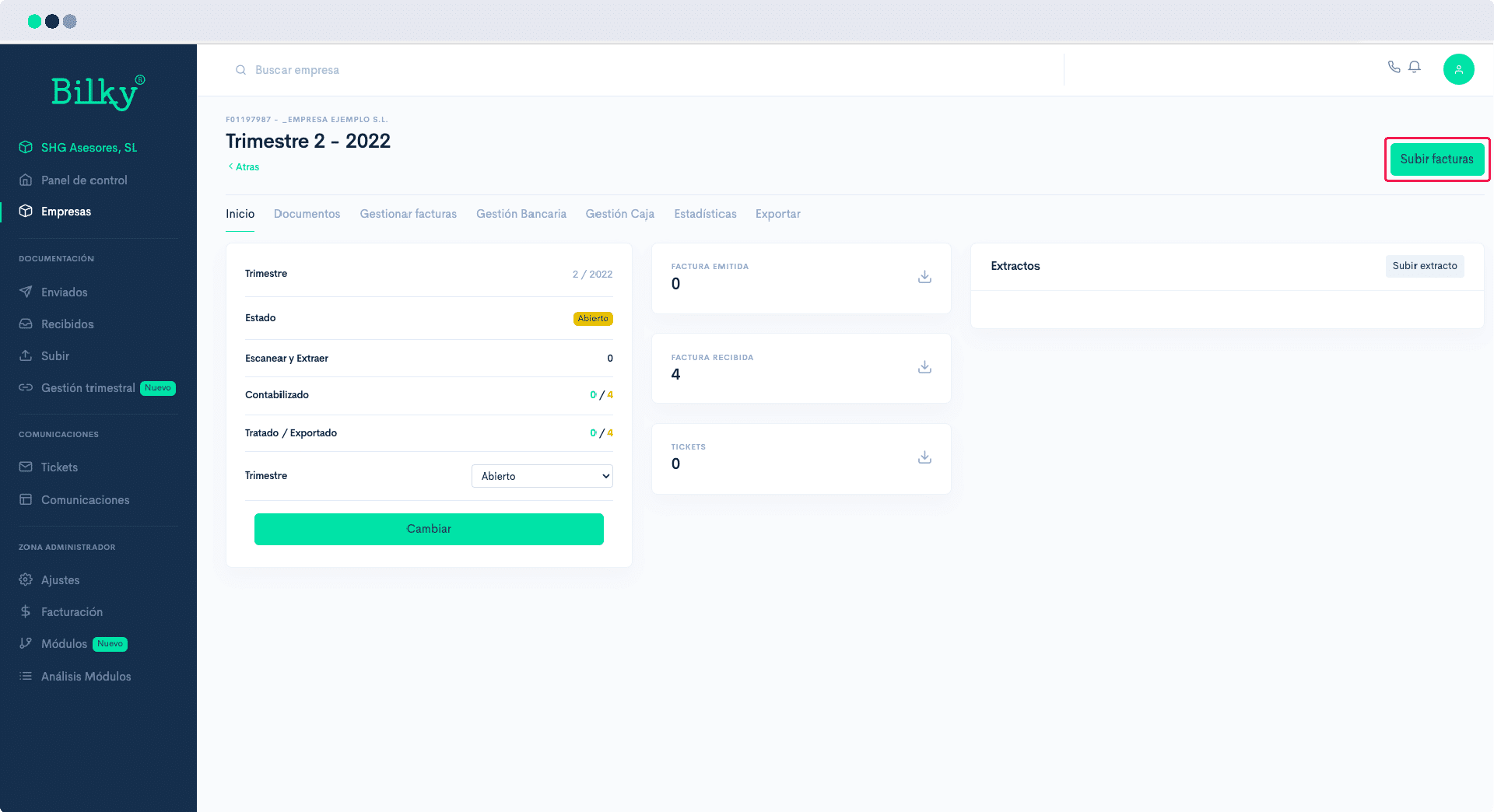
Go to the 'Accounting Management' and, subsequently, within the quarter you wish to manage.
In the top menu you will find the option 'Upload invoices'.
Step 2
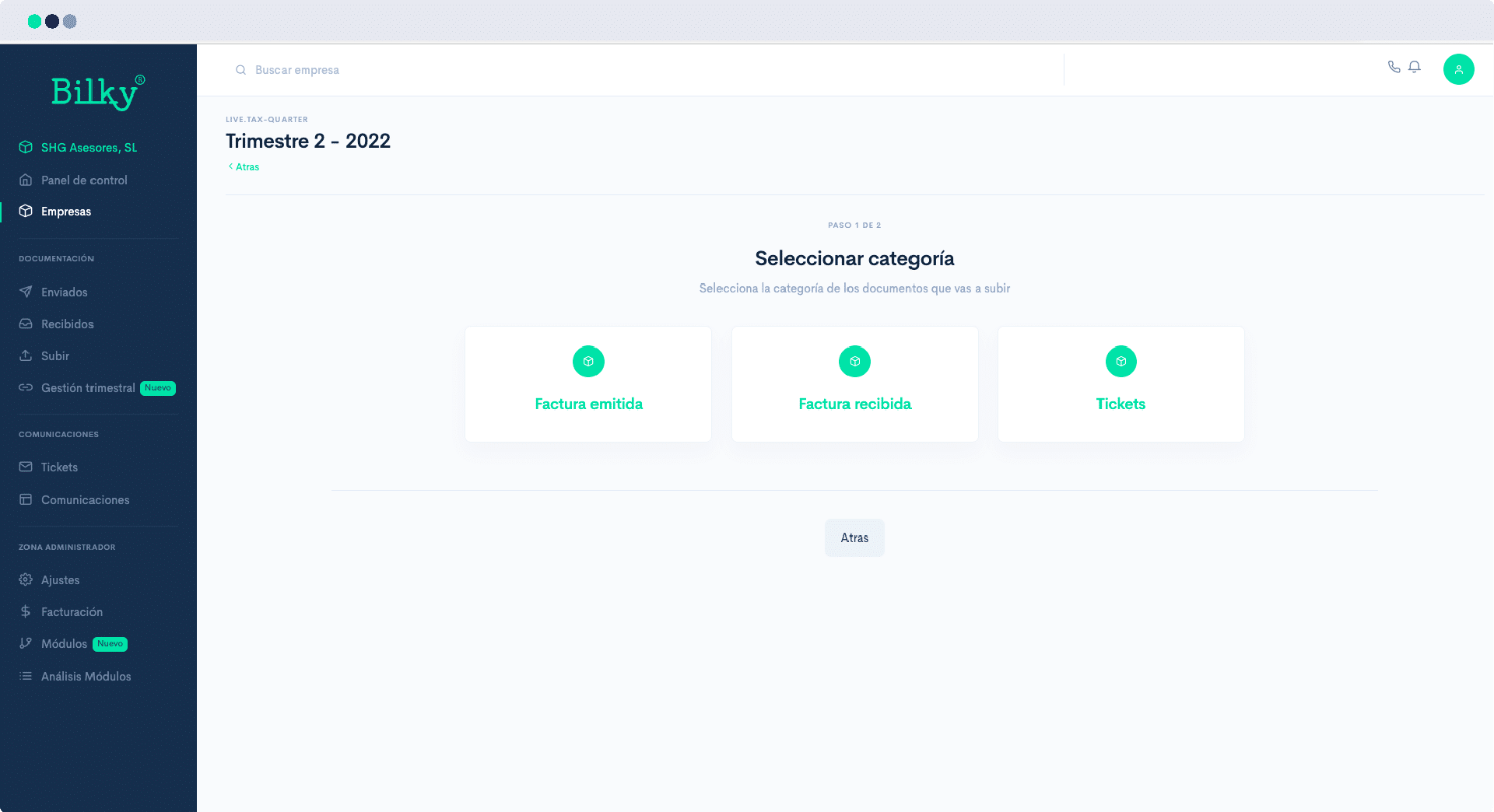
To facilitate the order of documents you will have to upload separately the invoices for expenses (received) or income (issued)..
Select the option you want to manage.
Step 3
Upload invoices in the ‘Add Files’. You can do it in .pdf format as well as in image format, including photographs of the invoices taken from your cell phone.
If you upload a file with all the invoices together do not forget to mark ‘Separate’. If your customer has different activities or cost centers, mark which one the invoices you are uploading belong to.
Once the files have been added, click on ‘Upload invoices’.

Step 4
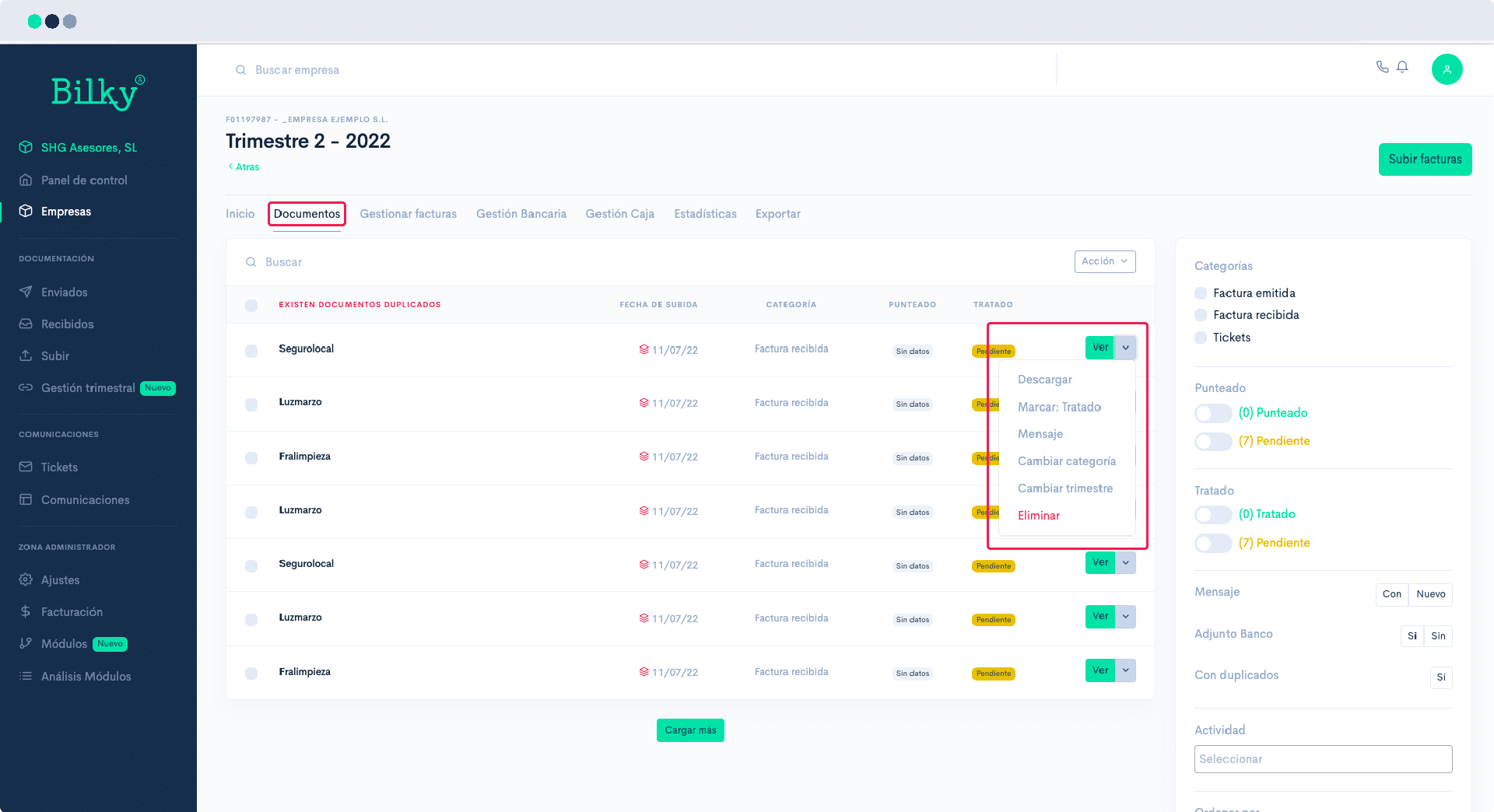
You can review the invoices you have uploaded in the ‘Documents’.
From this section you can add messages to invoices, delete duplicate invoices, etc.