How can I send the quarterly invoices to my Advisor?

You can upload the invoices of expenses and income of your activity to the consultant on a daily basis through Quarterly Management. In addition to allowing him to manage them easily, you will have access to all the invoices issued and received, sorted effortlessly, and you will be able to see the statistics generated. We show you how to do it:
Step 1
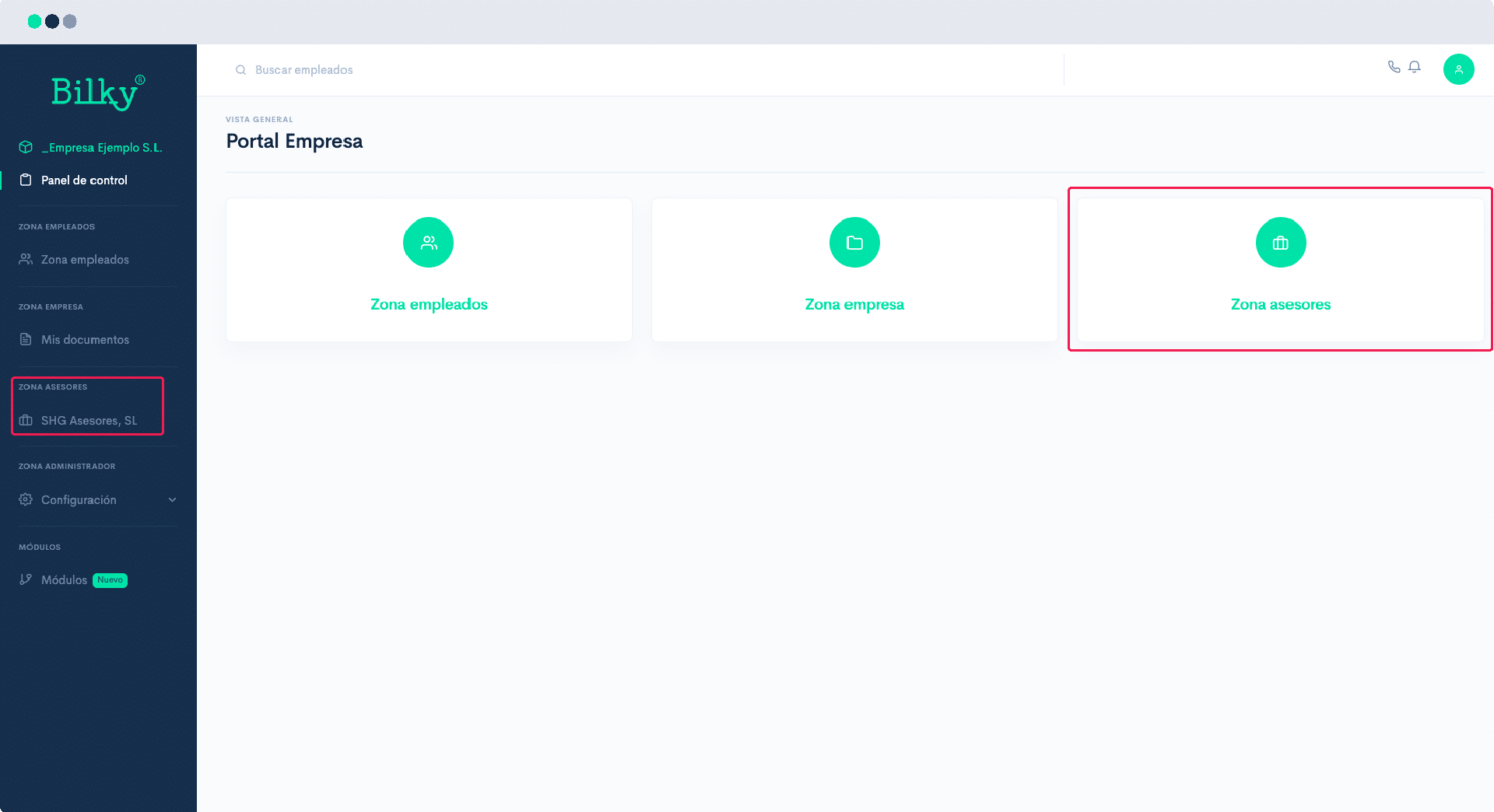
In your portal, in the control panel, look for the Zone Advisors, and select your consultant.
Step 2
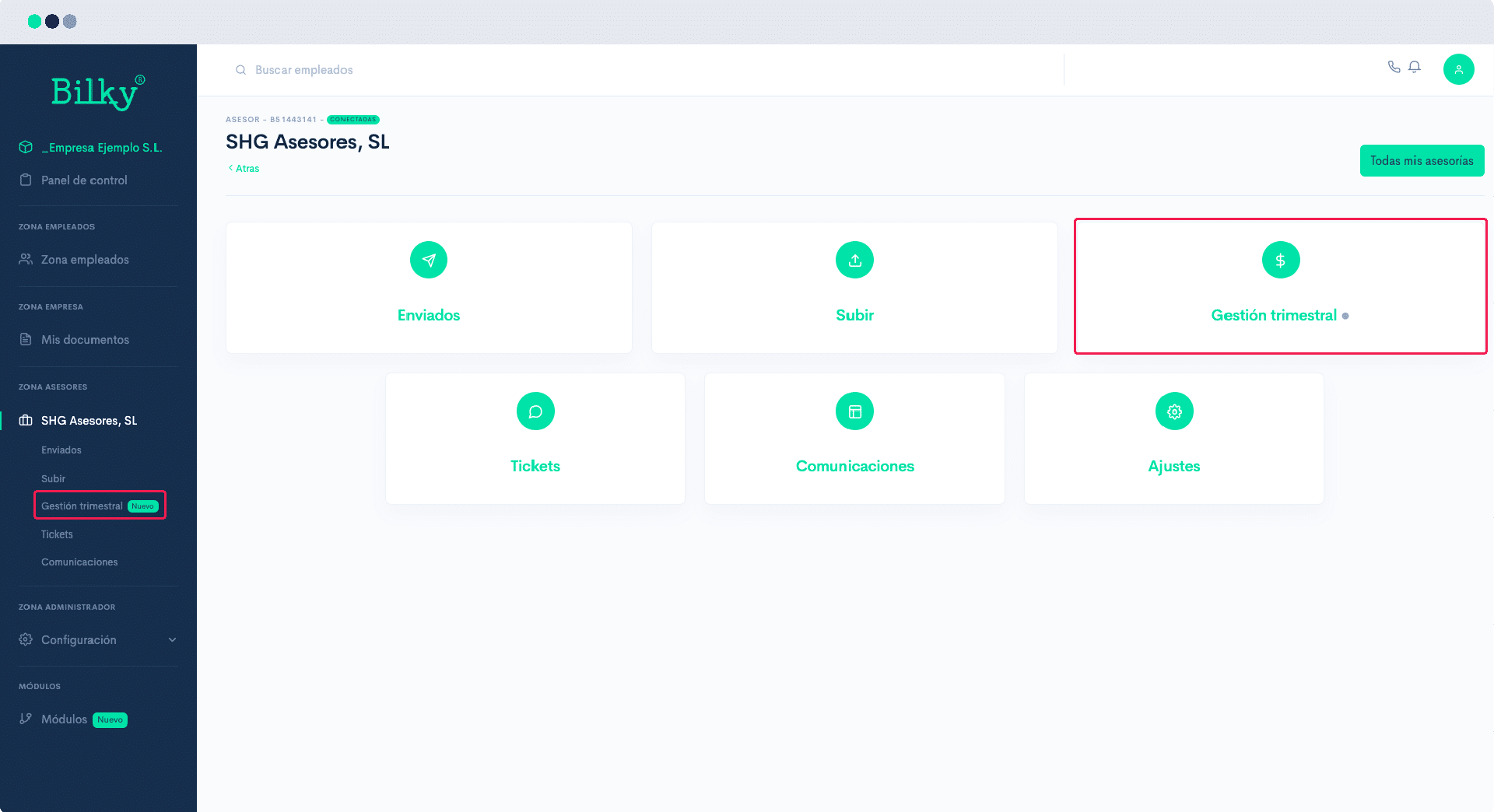
Once inside the options of your advisor, click on Quarterly Management.
Step 3
Select the quarter for which you are going to upload invoices. You can only add new invoices in the one with the status "open". Any other status will only allow you to make queries, but not to add new invoices.

Step 4
In the upper right corner you will find the button Upload Invoices.

Step 5
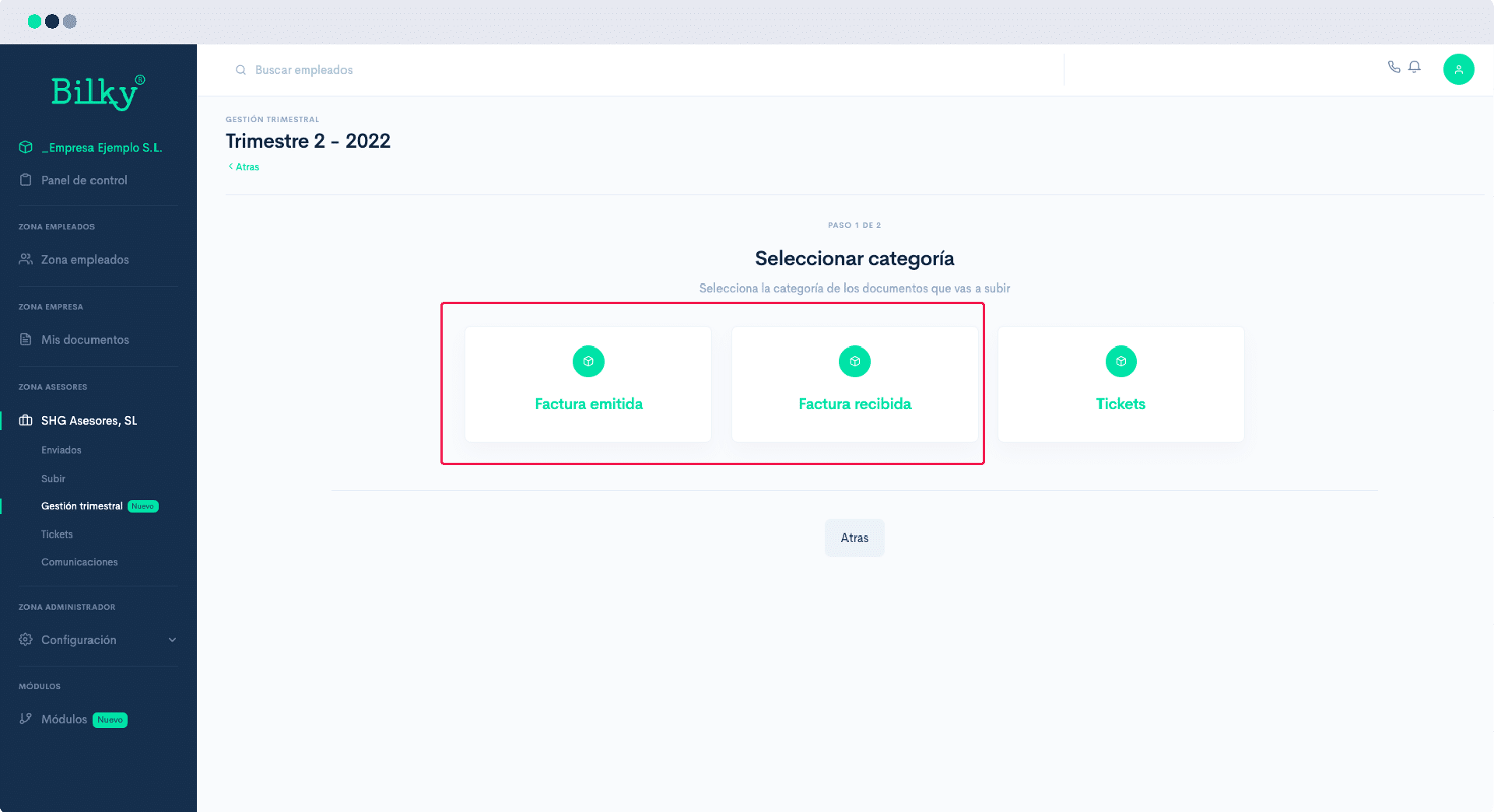
In order to facilitate the order of the documents, you will need to separate upload of invoices for expenses (received) or income (issued). Select which one you are going to upload.
Step 6
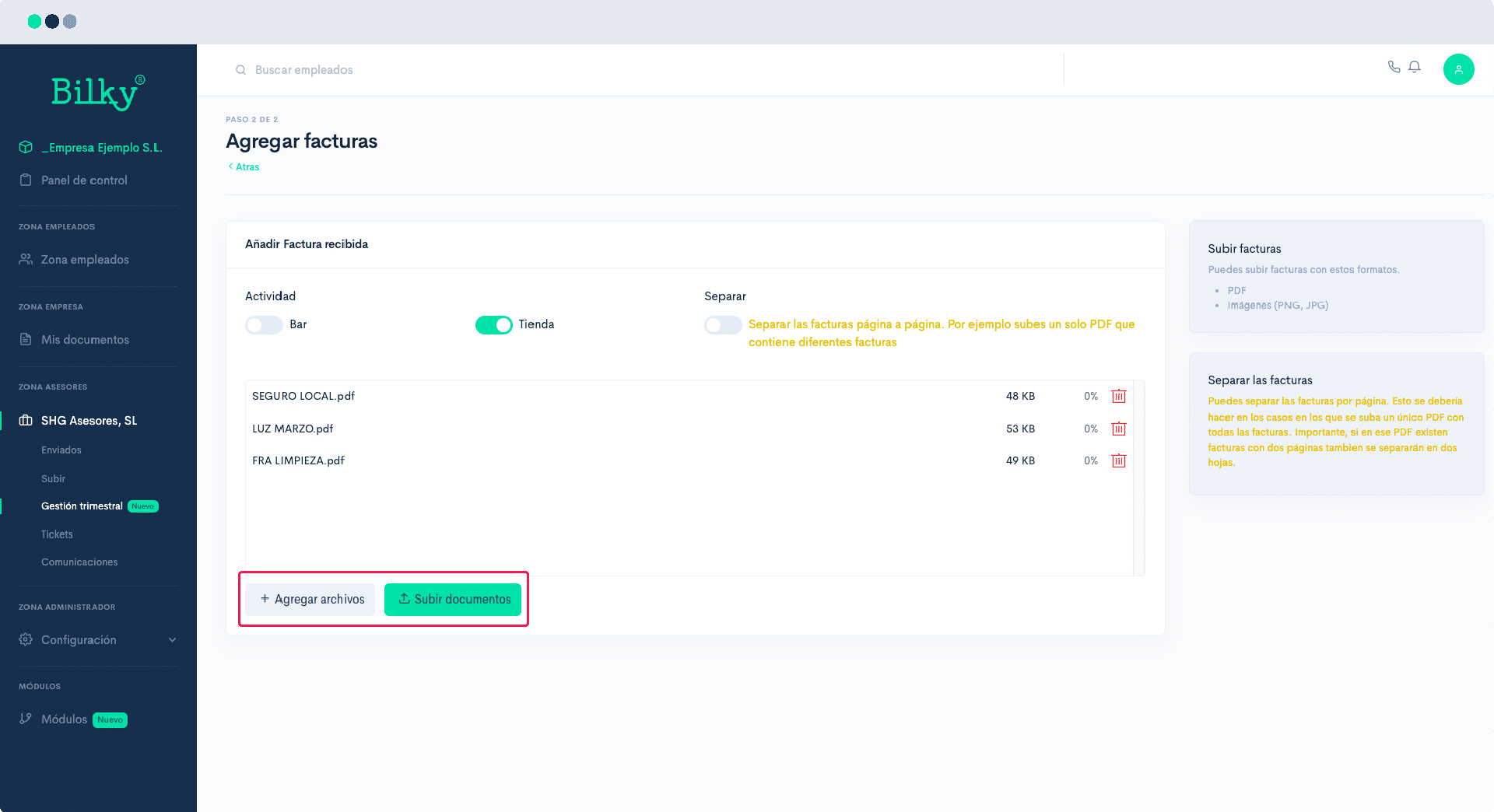
Upload invoices. You can do it either in .pdf format or in image format, even pictures of the invoices made from your cell phone. If you upload a file with all the invoices together, don't forget to check Separate. If you also have different activities or cost centers, mark to which of them belong the invoices you are uploading. Once you have added the files click on Upload documents and your Advisor will know that you have uploaded them.
Step 7
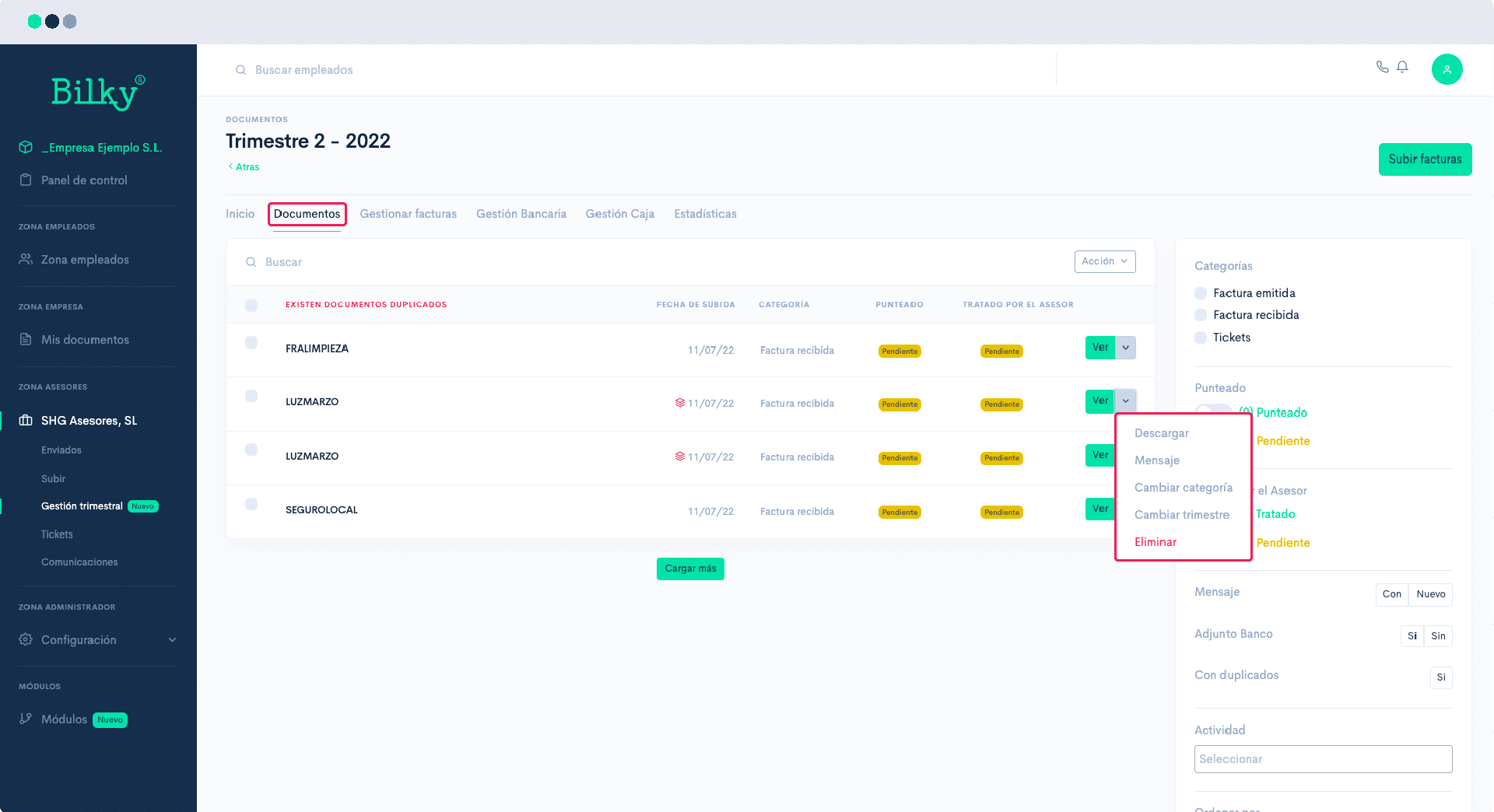
You can review the invoices you have uploaded in the Documents. And from there add messages to invoices, delete duplicate invoices, etc.,.