How do I react to an employee who is disassociated?


If you want to reactivate an employee who is already disassociated, simply register him/her again. You will not be creating a new portal for that employee, but will reconnect the portal he/she already has with you. We show you how to do this:
Step 1
Access your Company Portal, enter the Employees Zone, My Employees. In the upper right corner click the button Register employees.
Step 2
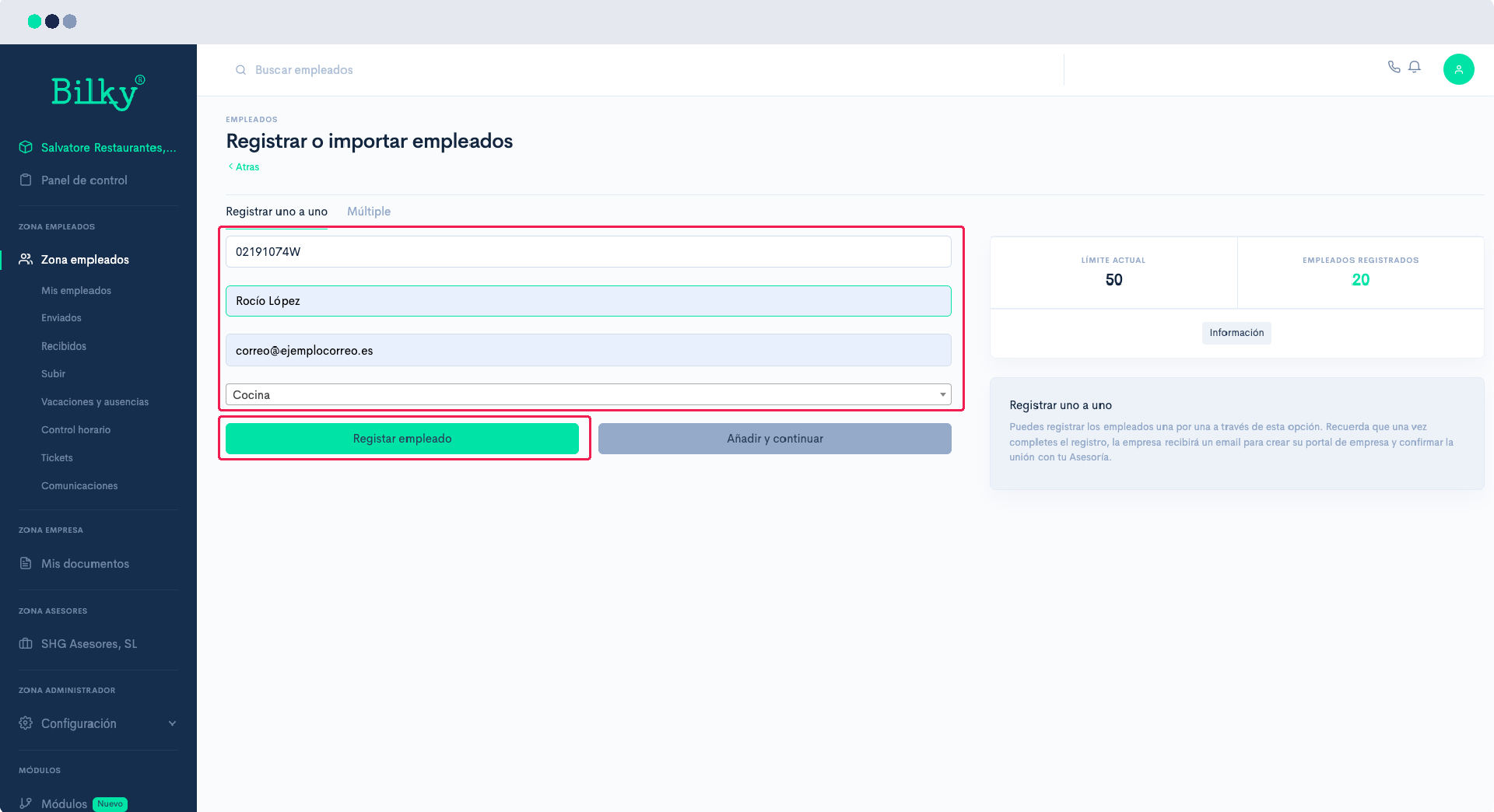
Enter your employee's information and click on Register. We will automatically send him an email indicating that your company wants to link back to him.
Step 3
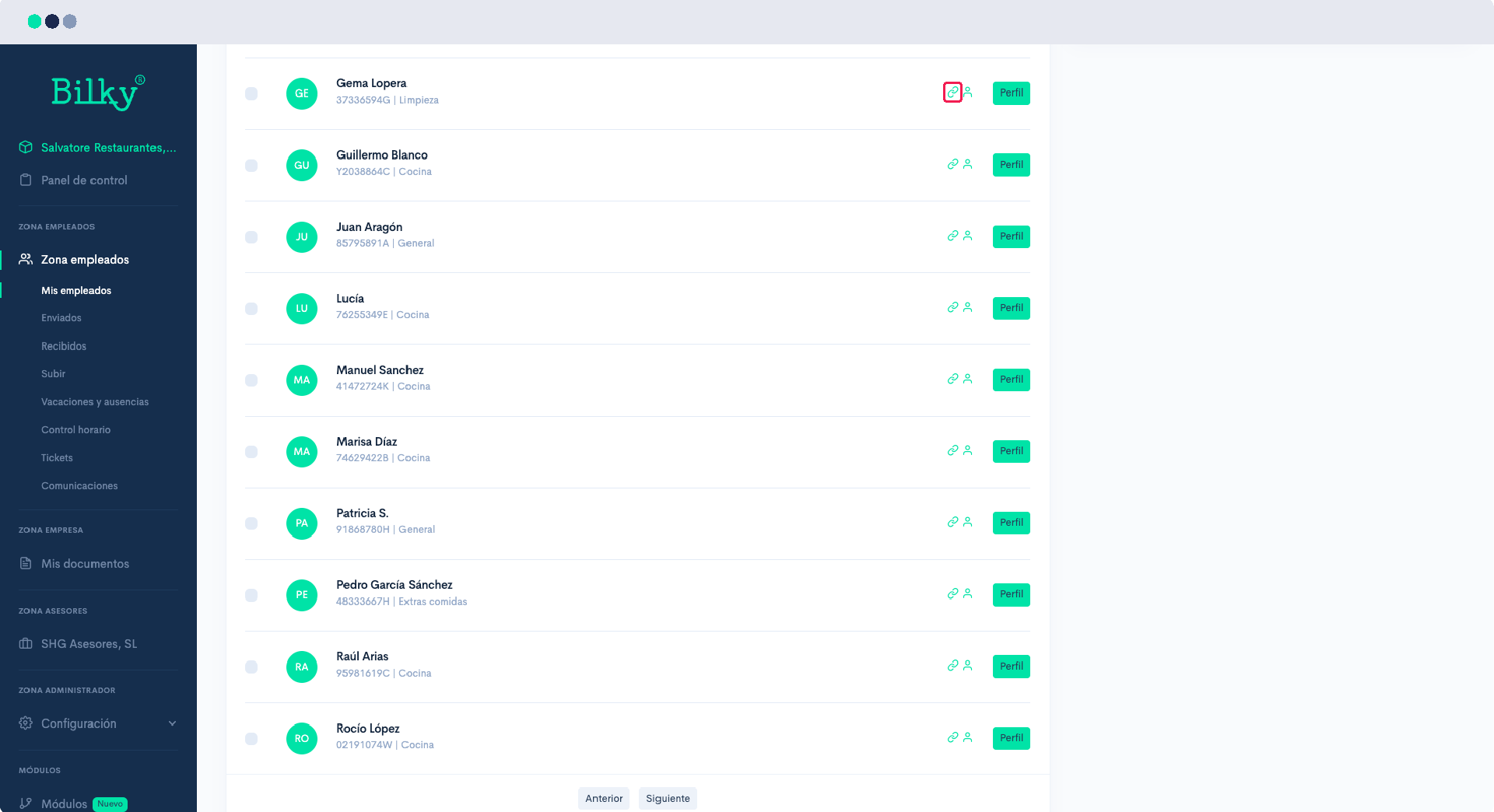
If the worker has not yet been linked again through email, you can find by filtering for disconnected employees. You will notice that the link icon is turned off. When the worker clicks the Log on to that you will find in the email you have just received, this icon will light up and the employee will appear again as Connected.