How do I react to a company that is disassociated?


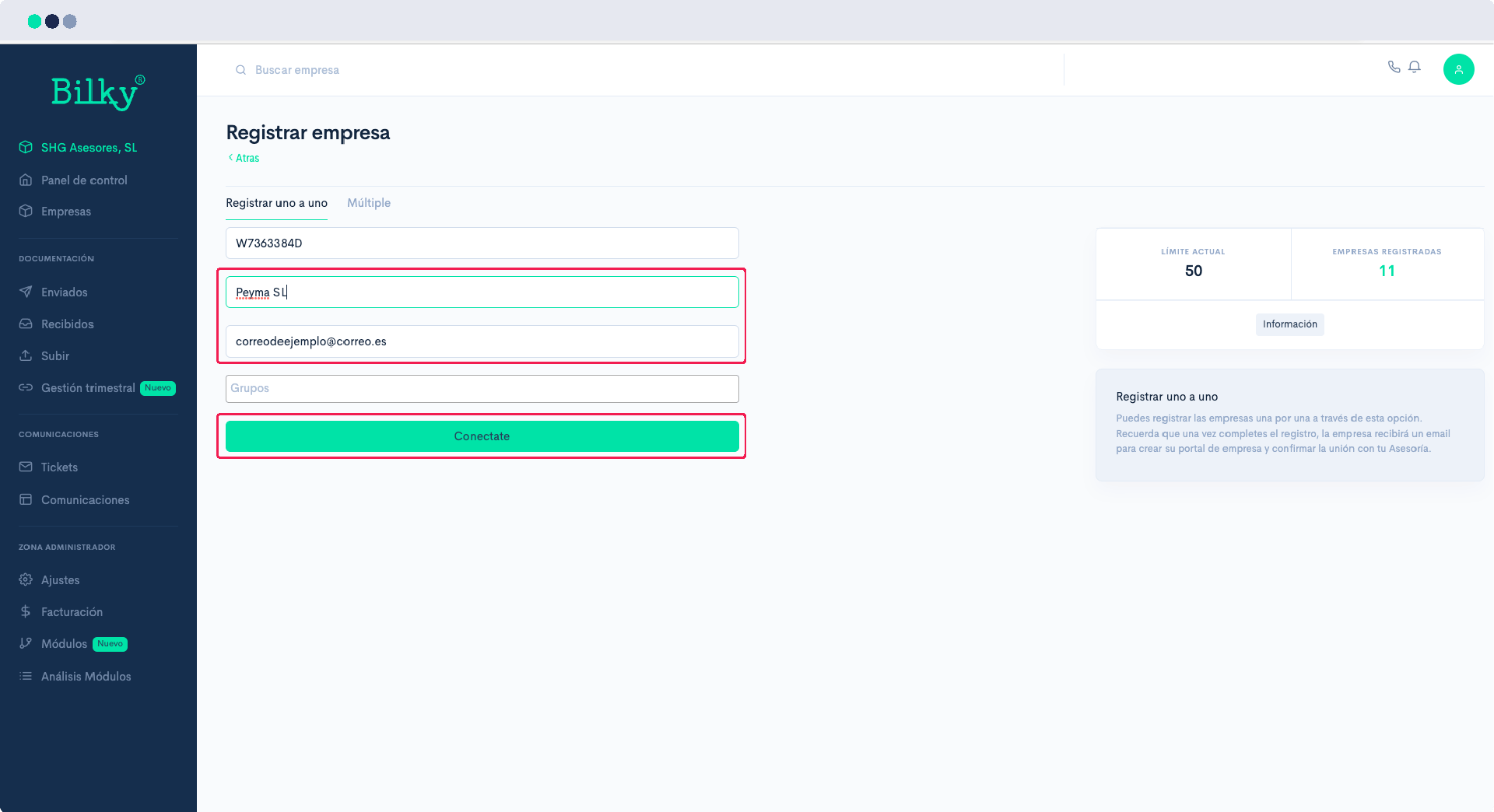
If you want to reactivate a company that is already disassociated you simply need to register it again. You will not be creating a new portal for that customer, but you will be reconnecting with the portal you already have. We show you how to do it:
Step 1
Access your ‘Advisory Portal’ and in the control panel go to the section ‘Companies’. In the upper right corner click the button ‘Register companies’.
Step 2
When you enter the NIF of the company, we will detect that it has already been your customer and we will ask you if you want to associate it again. Simply confirm by clicking on ‘OK’.’.

Step 3
Fill in the registration data, and when you click on ‘Add Company’, If you do not have an email address, your customer will receive an email informing him that you want to reconnect with him. He will have to click on a ‘Get Connected’.’. and once you do, the company will be connected back to you.