
I can't download my payslip, it tells me the link is expired, how can I download it?

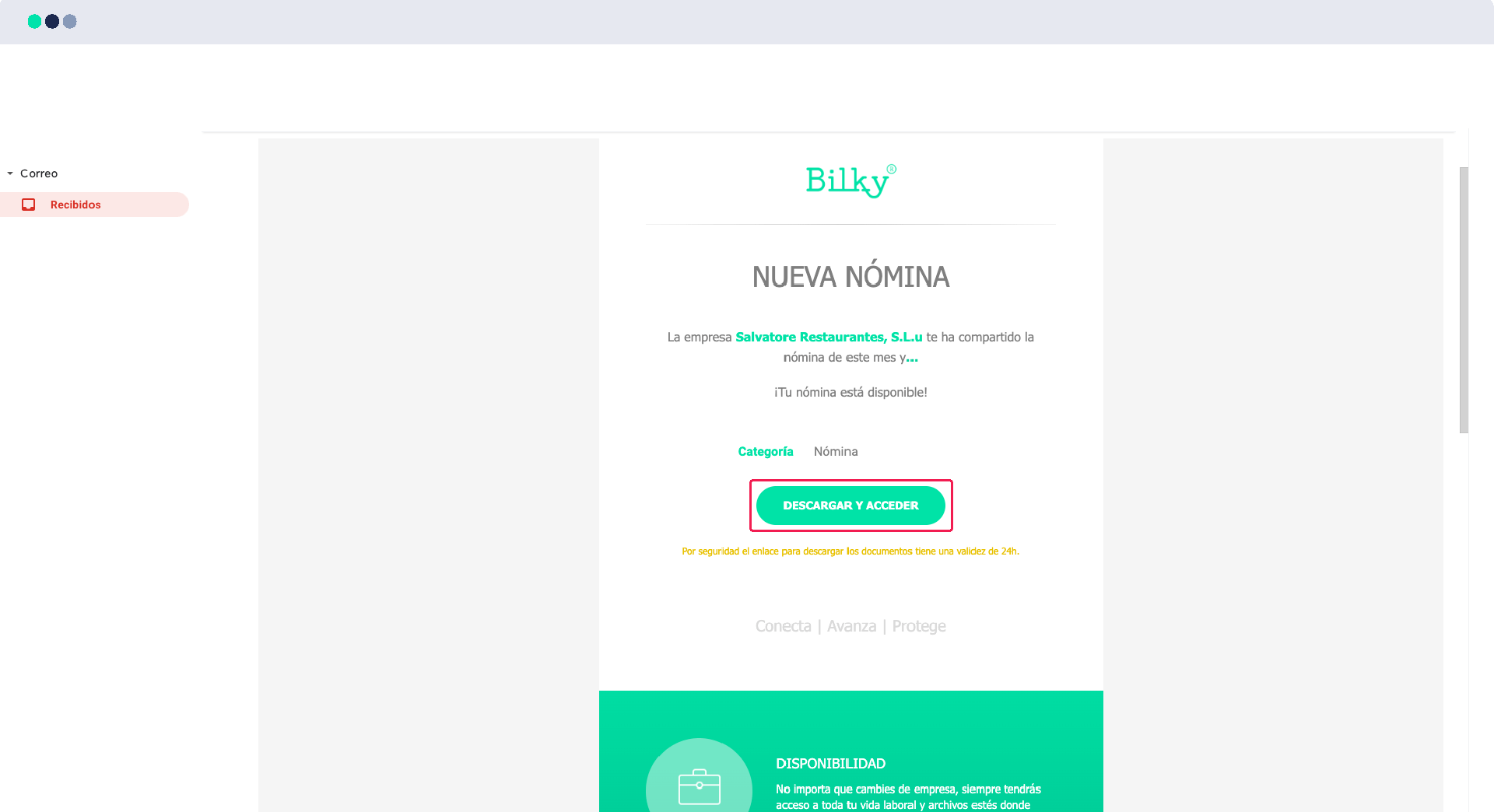
When your company uploads your payroll to your portal, we send you a notification email with a link through which you can download your payroll within 24 hours of receiving it. For security reasons, after these 24 hours, the link is deactivated, but don't worry! You will always have your payroll and documents available in your portal. Here's how to do it:
Step 1
If you have received an e-mail notifying you that you have received a document, the e-mail will be sent to you by e-mail.The document will be hosted on your portal and you will always be able to access it. If you want to download it from the email itself, You will have to identify yourself with your NIF and if it has not been 24 hours since you received the email, you will be able to download it.
Step 2
If the link has expired, remember: you can always access your portal. Go to www.bilky.es , click on Access and enter your NIF and password.

Step 3
If you don't have your portal yet, create it. Go to www.bilky.es , click on Register, register as EMPLOYEE, and follow the steps.
