
How to change a user's email in Bilky?
Discover how to change a user's email address in Bilky and easily update the email associated with your account.


Introduction
If you need to update the email address associated with your user, Bilky allows you to make this change easily. Keeping your email updated is important for accessing the platform, receiving notifications, and properly managing your account. Below we show you how to change a user's email in Bilky step by step.
How to change a user's email in Bilky?
Step 1
Access your portal with your username and password, and once inside, in the upper right corner you will find an icon with a silhouette to access your profile.
Step 2
Once in the profile, change the email address. Before clicking on ‘Save’.’, If you do not enter the password again, be sure to enter the password again as it is required for security purposes.

Step 3
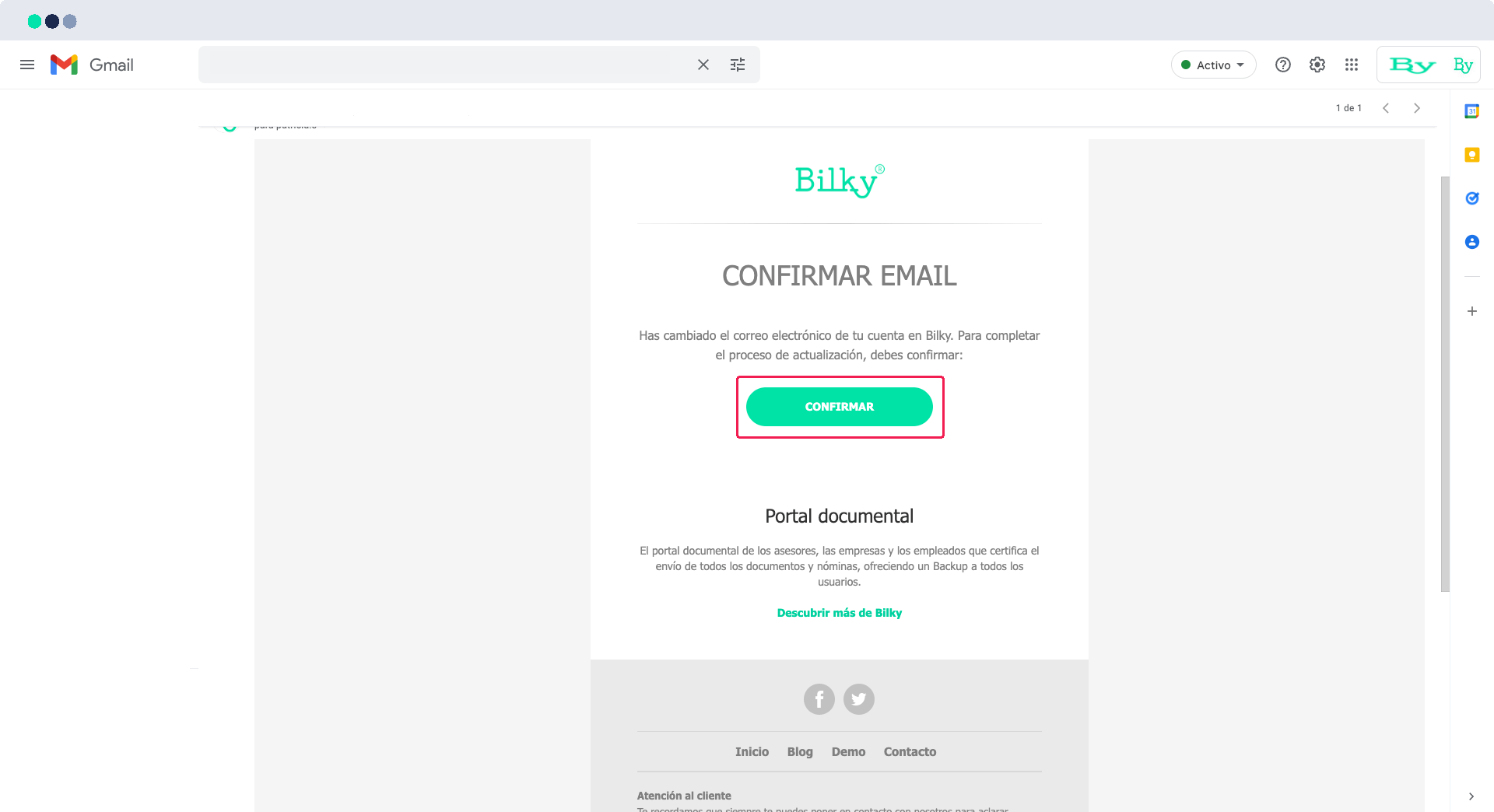
The change will not take effect until you confirm the new email. You can confirm it immediately since we will send you an email to the new address, in which for security reasons you will need to click on ‘Confirm’. Your email will be updated at that time.
When is it recommended to update your email?
It is recommended to update your email when you change your professional email address, need to unify access, or want to receive communications from Bilky in a new account.