I have changed from NIE to DNI, how can I change it in my portal?

For security reasons, the NIF field of your portal cannot be changed manually by you. We must do it from our technical department. But don't worry, you only have to request it from your portal, or send us an email to Customer Service and we will solve it as soon as possible. We show you how to do it:
Step 1
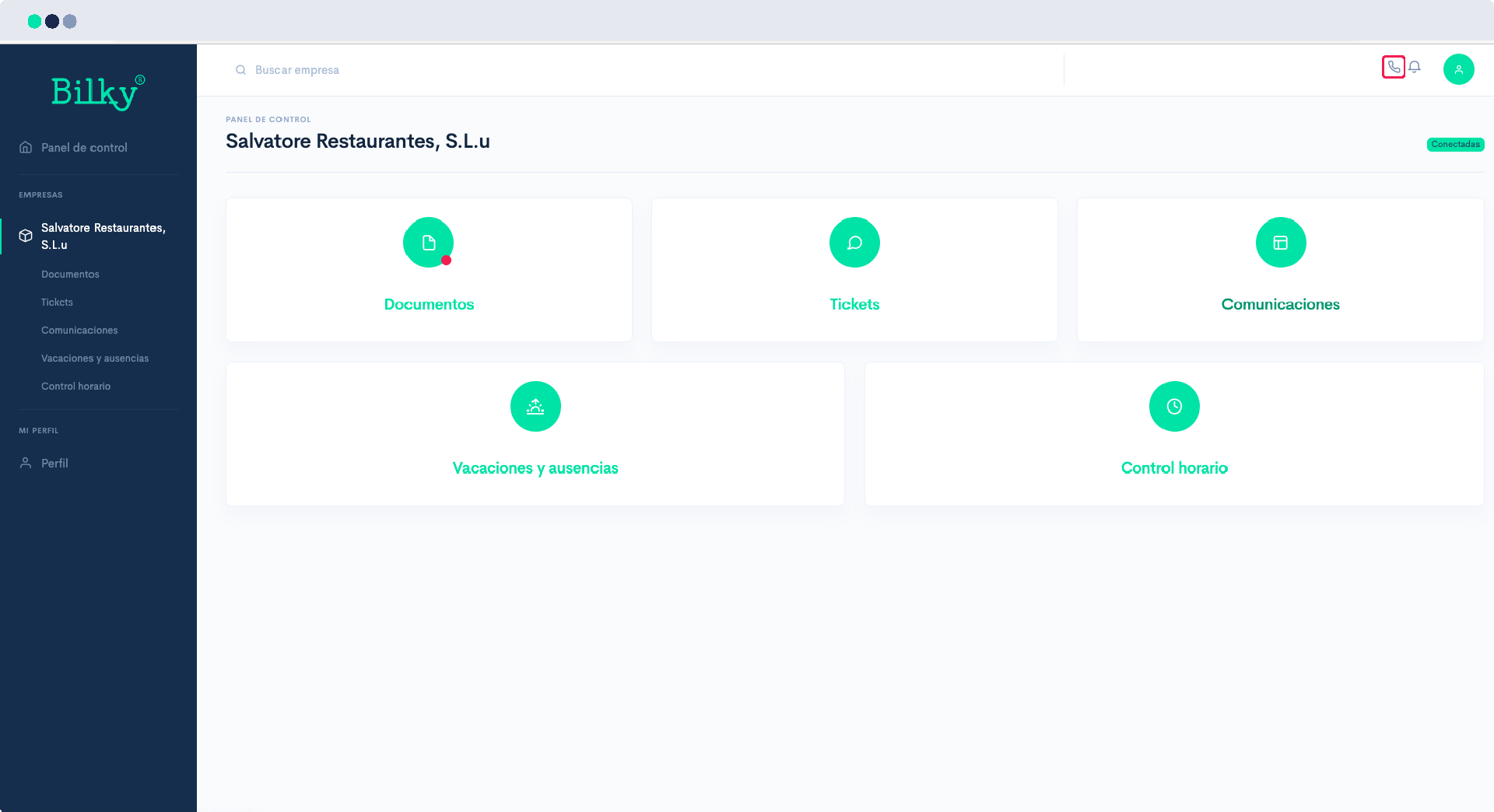
If you are inside your portal, click on the phone icon in the upper right corner. A window will appear through which you can send us a message.
Step 2
Send us a message stating that you have changed from NIE to DNI, and don't forget to provide us with the new DNI. When we receive the request we will review the data and as soon as we make the change we will notify you. Normally this process takes 24 hours in working days.

Step 3
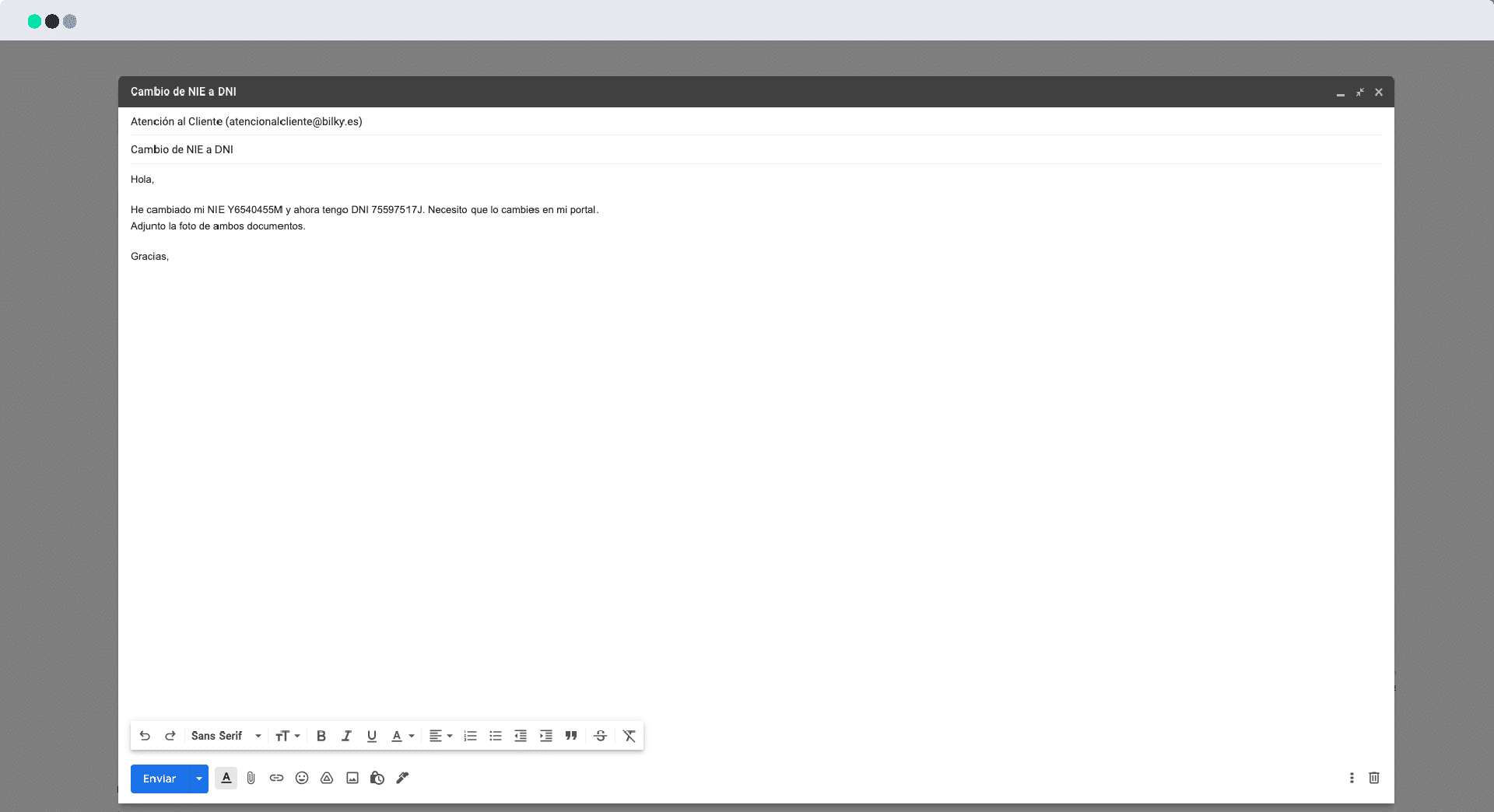
If for any reason you do not have access to your portal, you can always send us an email to atencionalcliente@bilky.es indicating your old NIE and the new DNI. In this case, since you are not making the request from your portal, for security reasons we have to verify your identity. In order to do this it is essential that you send us a photo of both documents on both sides. We will check the data when it arrives and as soon as we make the change we will notify you. Normally this process takes 24 working hours.