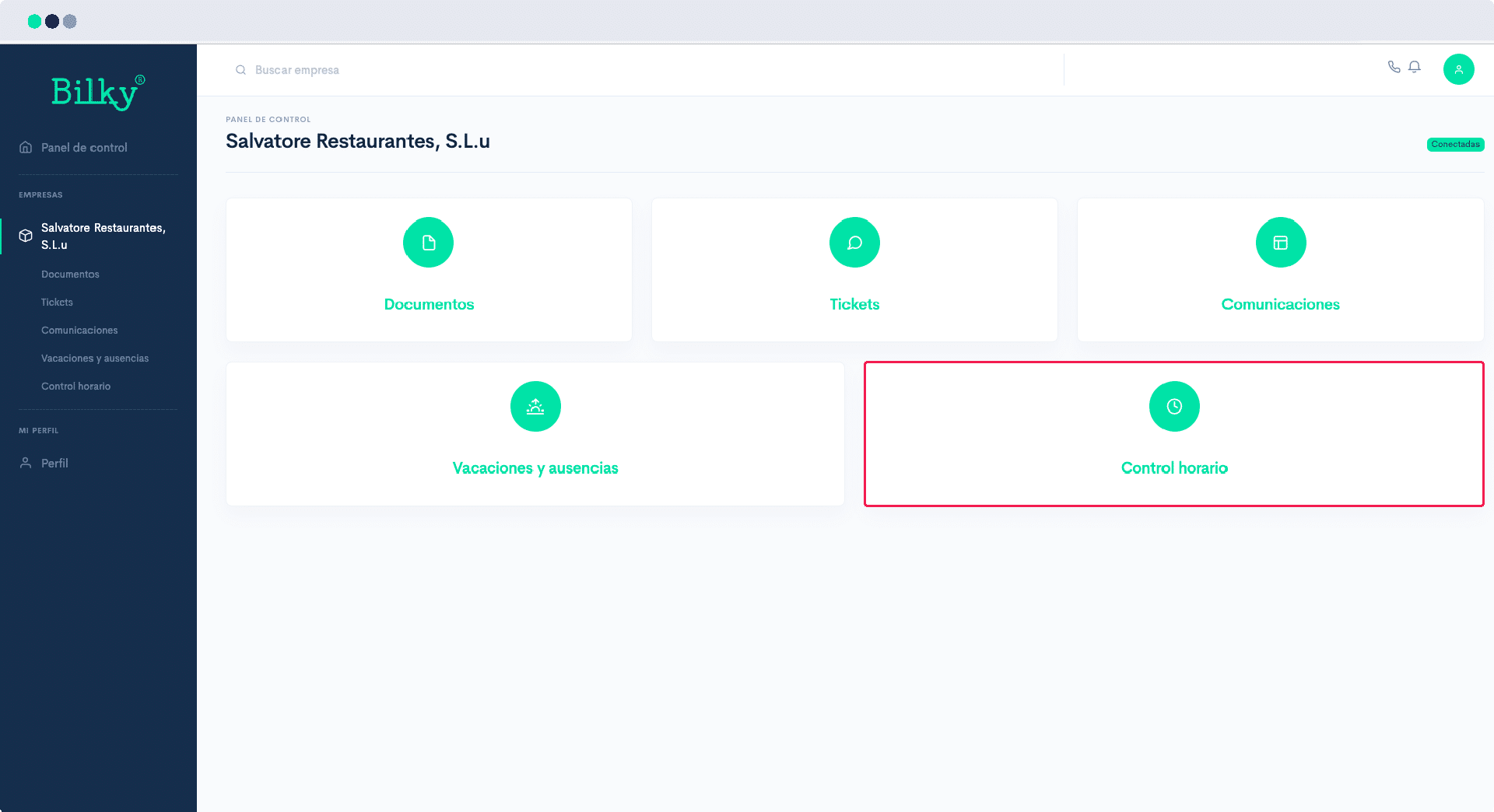
I can't sign my registration of the day, the option does not appear.


In order for you to be able to have your time registration active, your company must have enabled it. If you do not see the Time and Attendance option, it is possible that your company has not yet enabled it, in which case we recommend that you request it. We show you how to do it:
Step 1
The first thing you should check is that in the main screen of your portal you have the Time and Attendance option. If you have it, you should be able to sign your workday normally. In this case it does not appear, that is because your company has not yet enabled it. Continue with the next step.
Step 2
We recommend that you go to the Tickets from your Control Panel and create a new ticket to your company to ask them to activate you.

Step 3
When the company activates Time and Attendance, you will receive an email notification and when you enter your portal you will have the corresponding section and you will be able to sign your daily workday.